🍎
SurfCal
Build your own AI Calorie Tracking app by our production-ready Shortcut.
Requires iPhone 15 Pro or later with iOS 26.0+
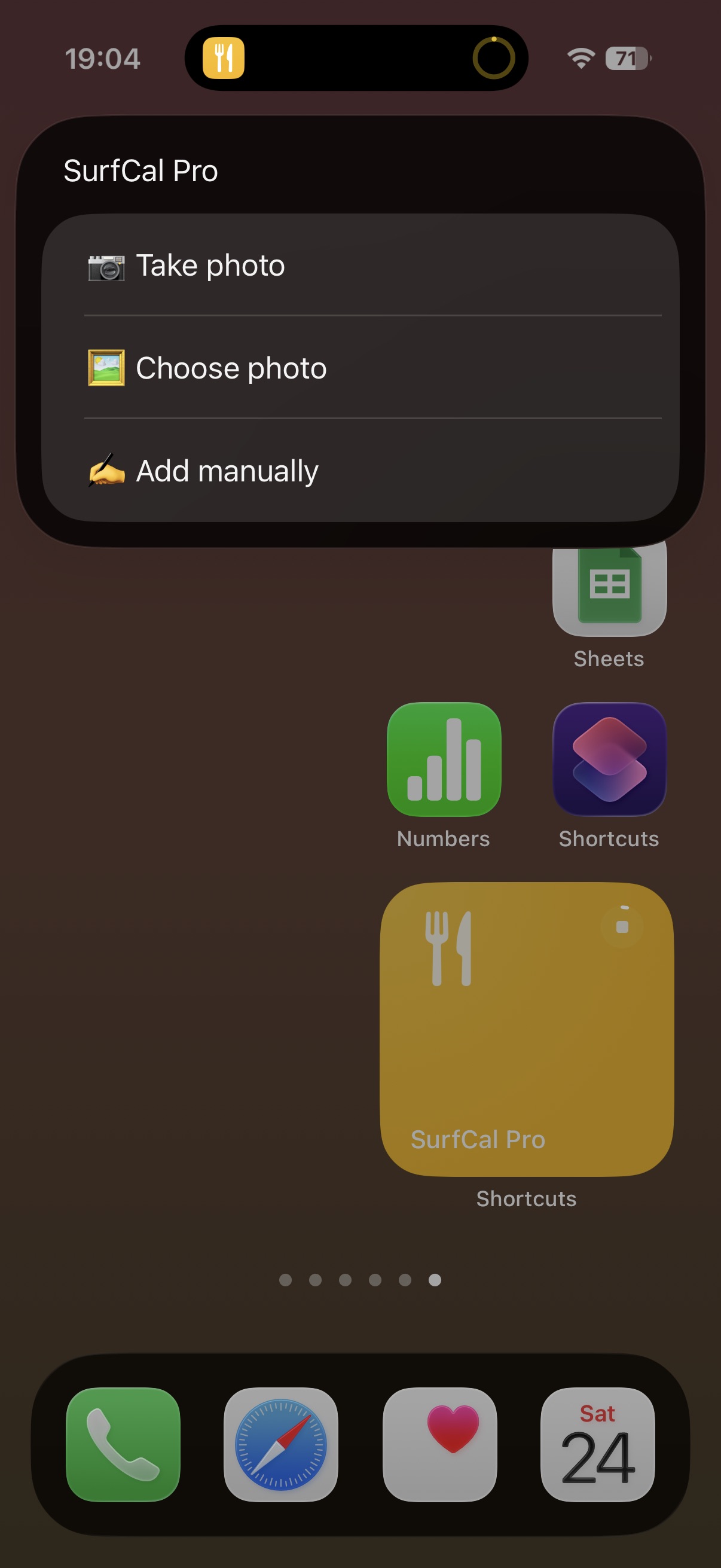
Choose your image
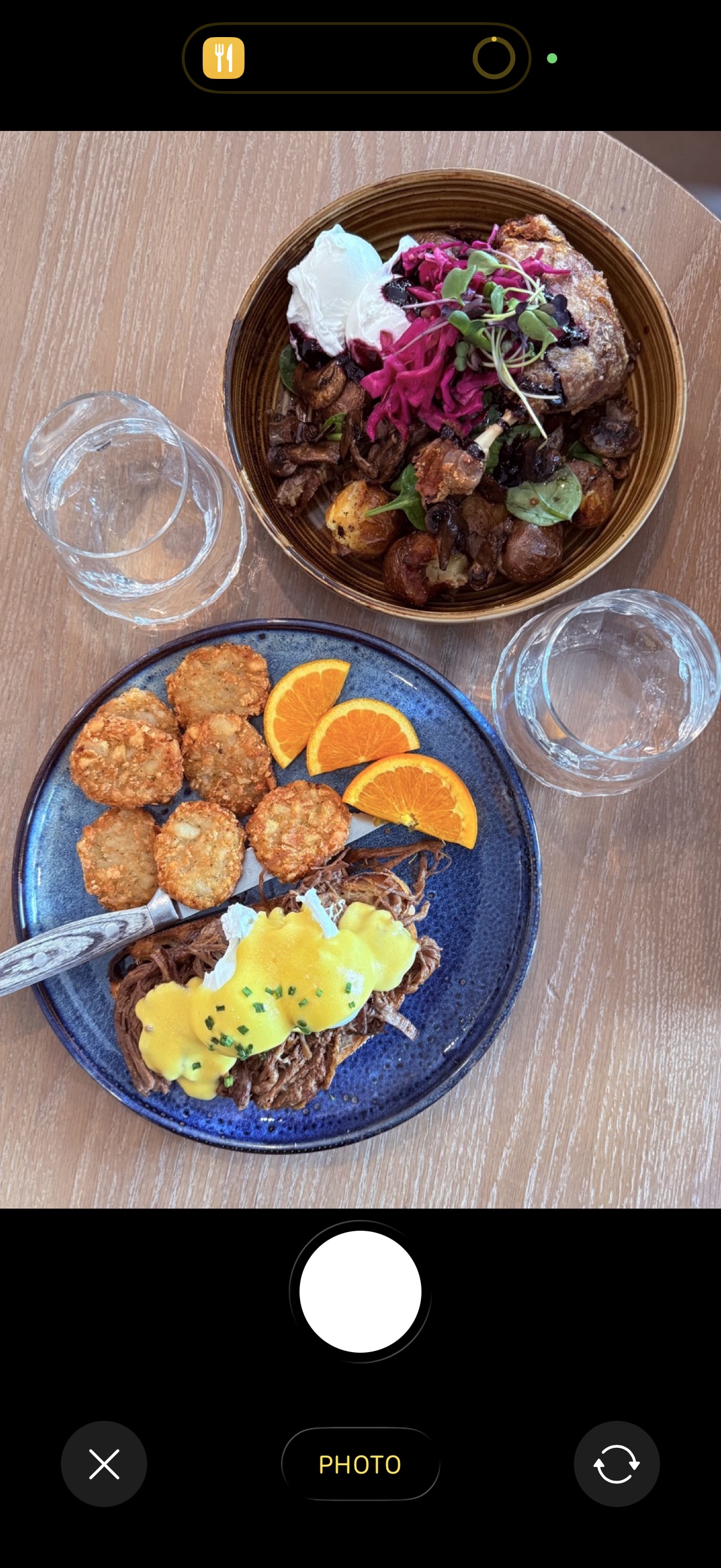
Snap meal
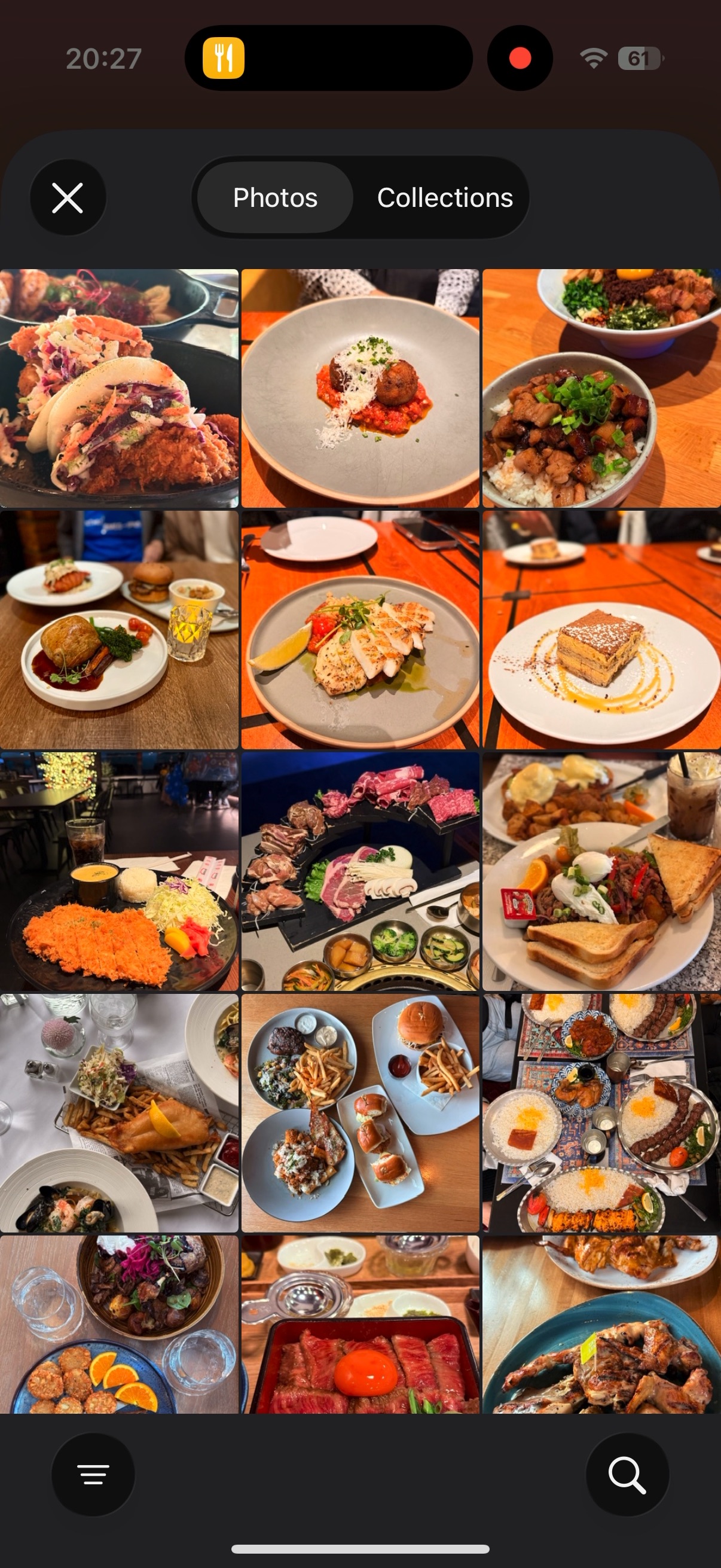
Or select from Photo Library
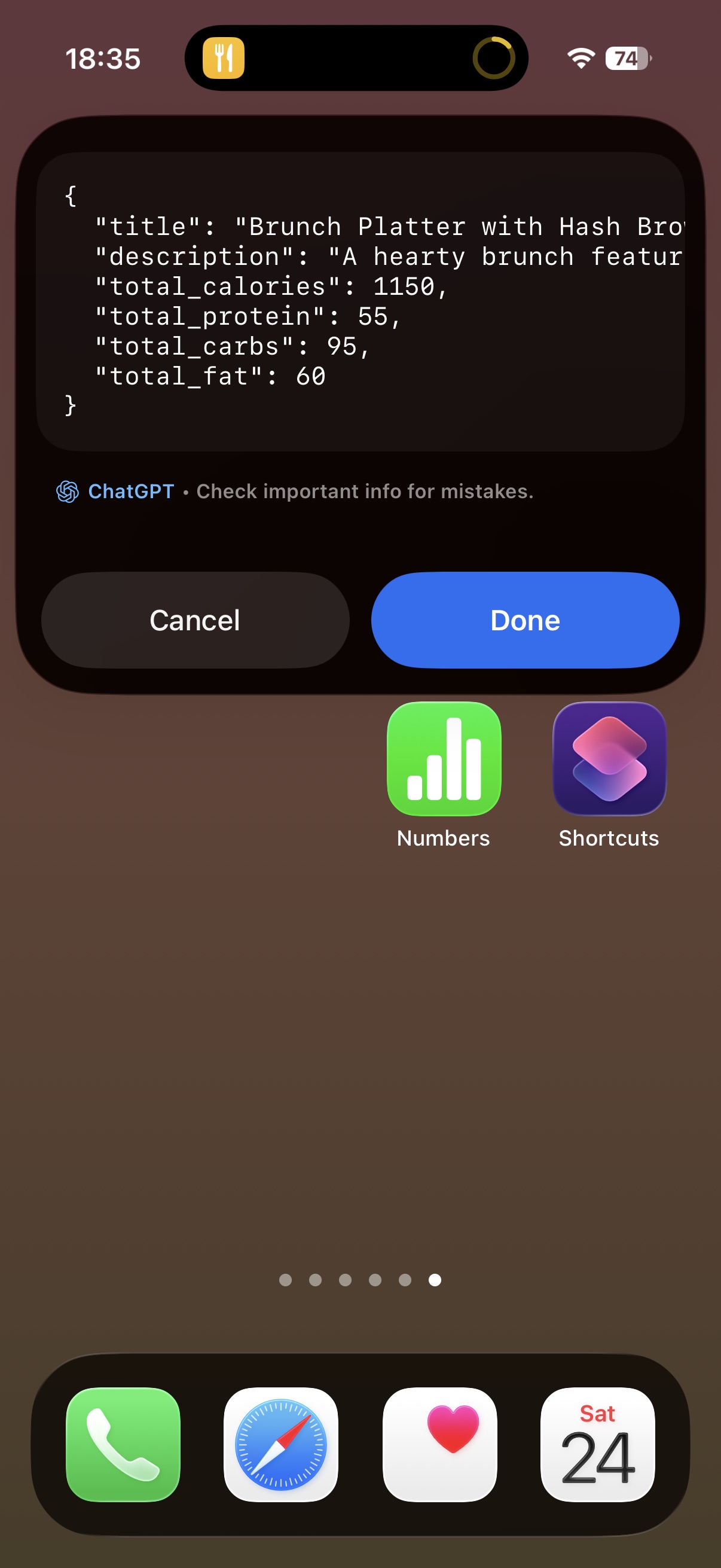
Analyze by AI
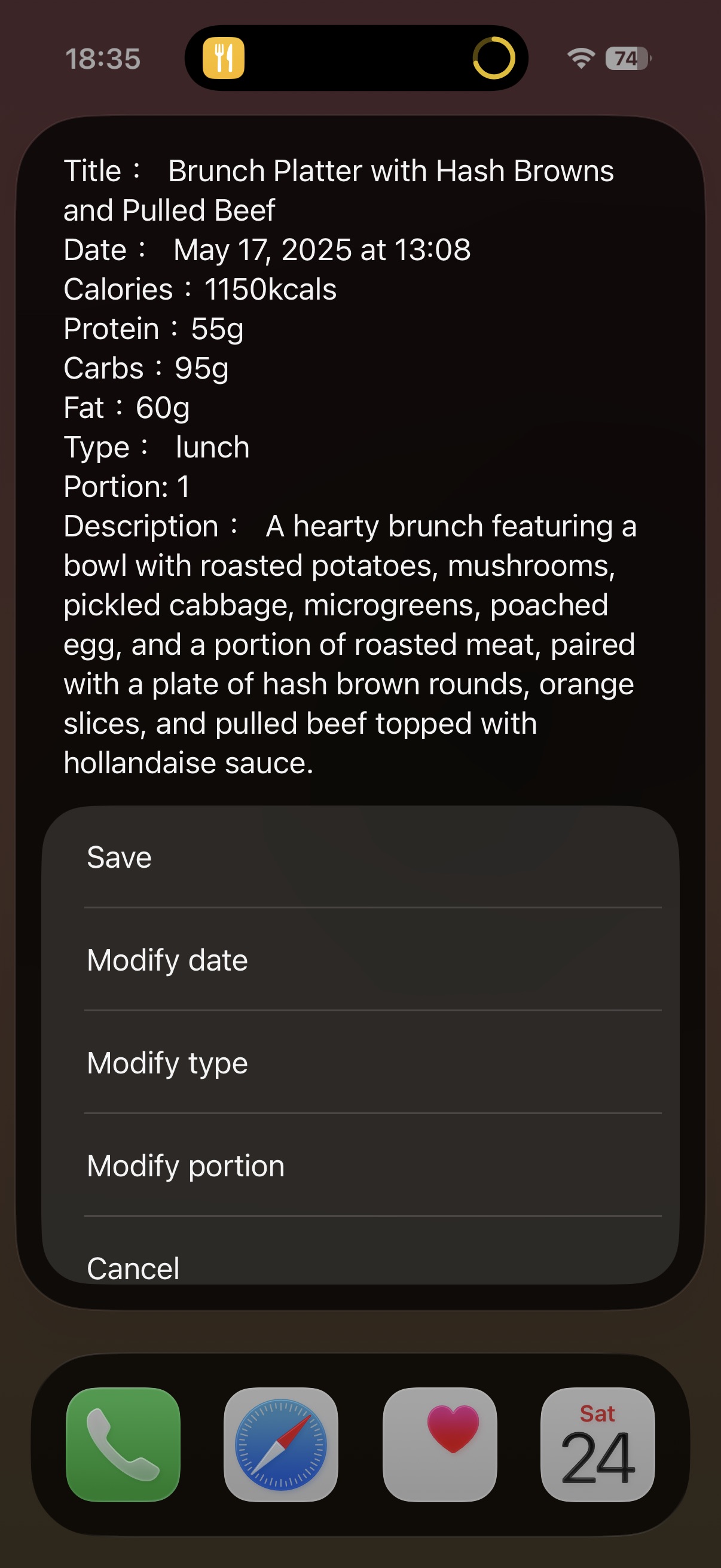
Check the results
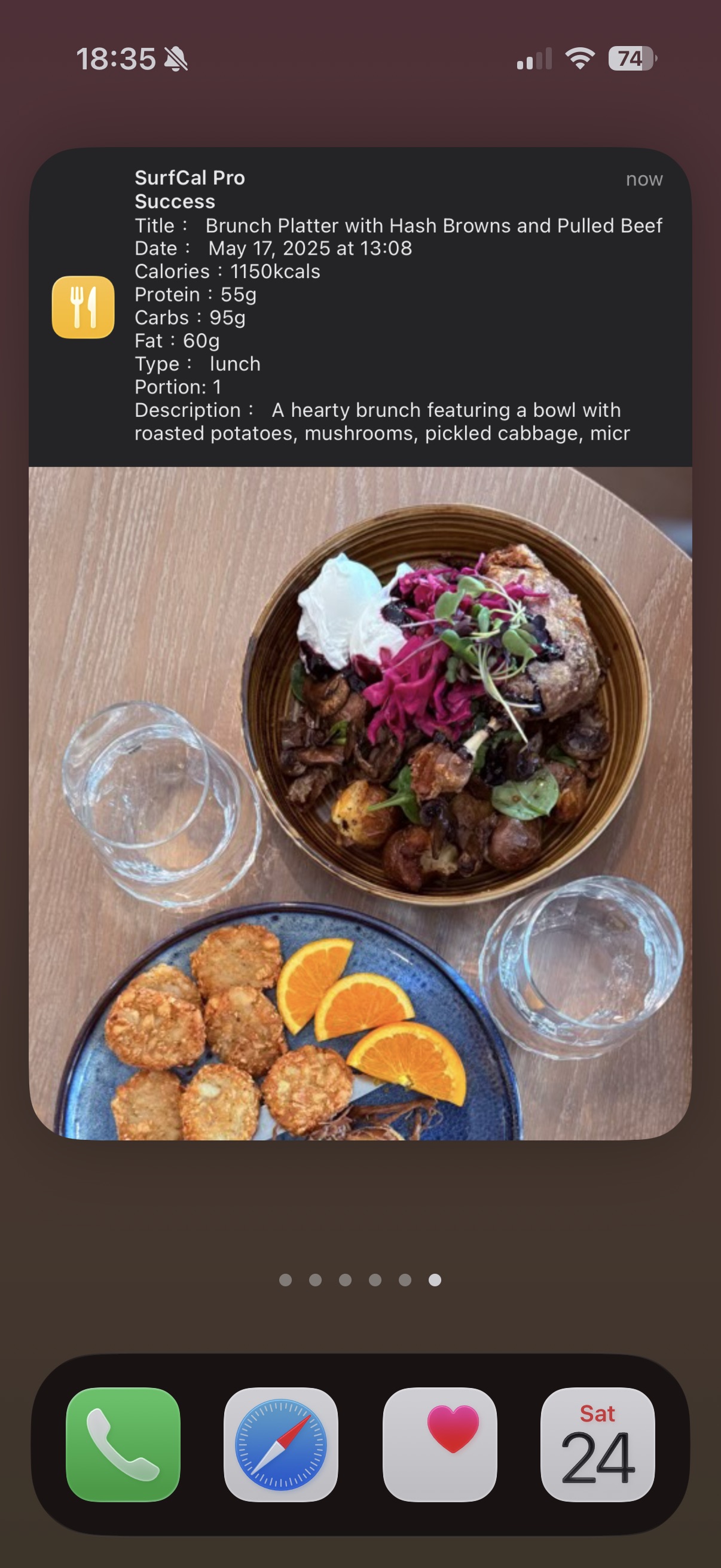
Success Notification
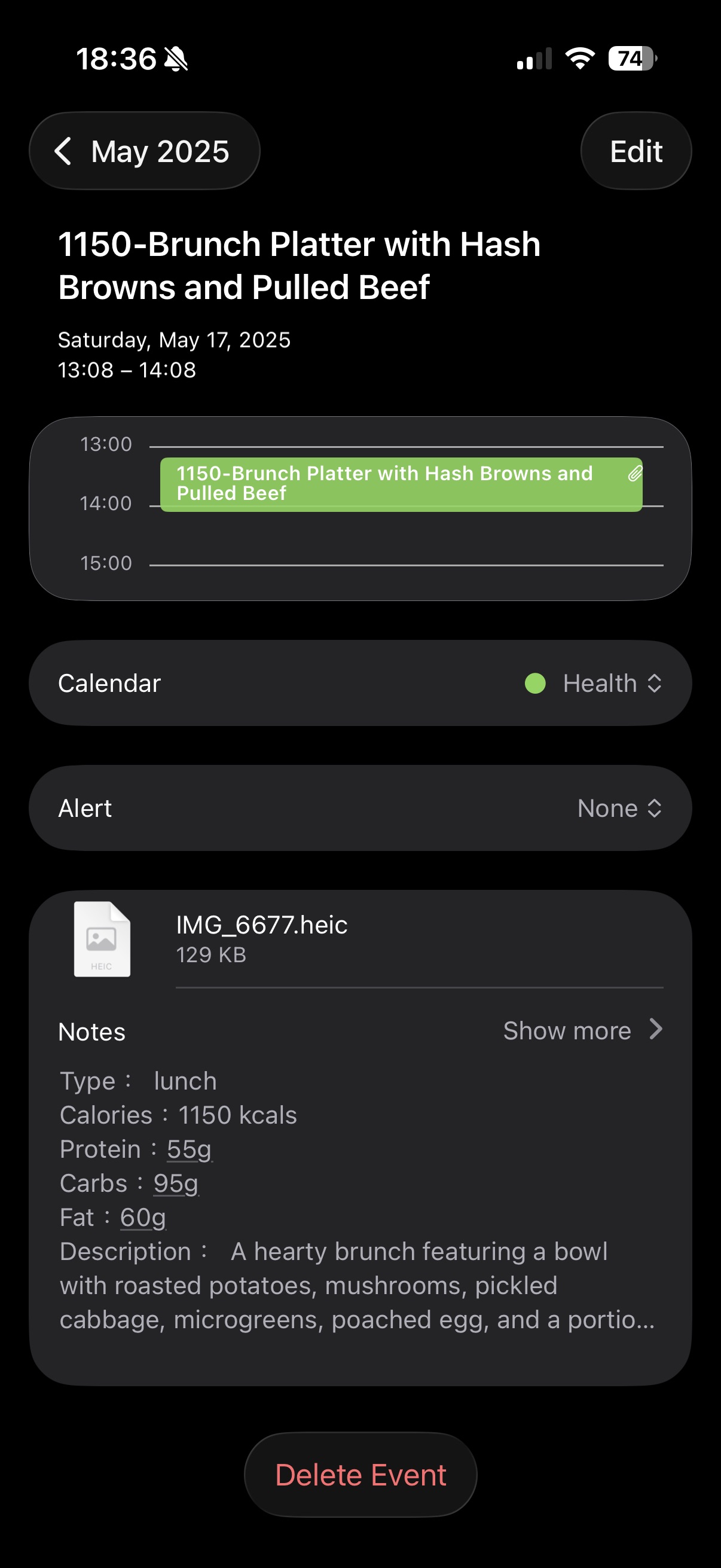
Apple Calendar
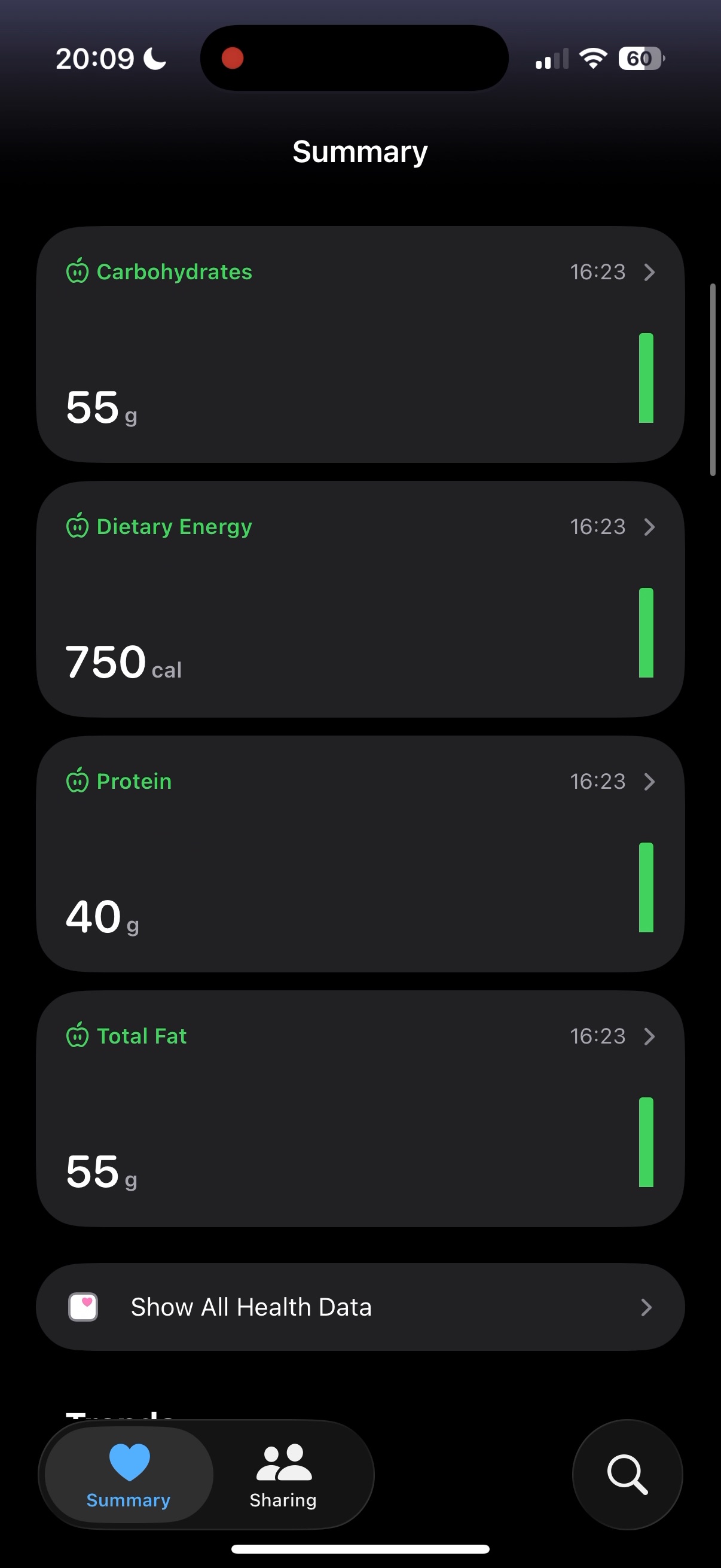
Apple Health
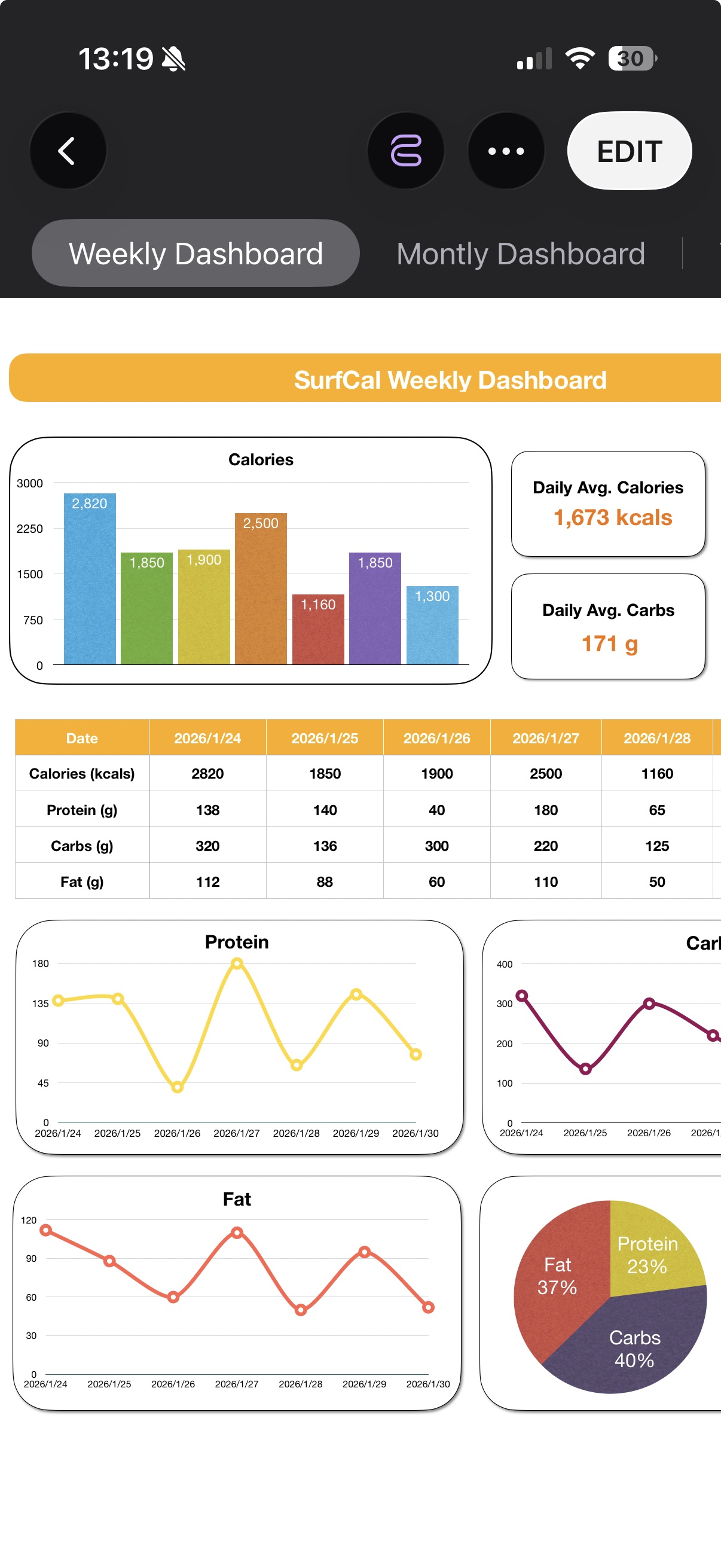
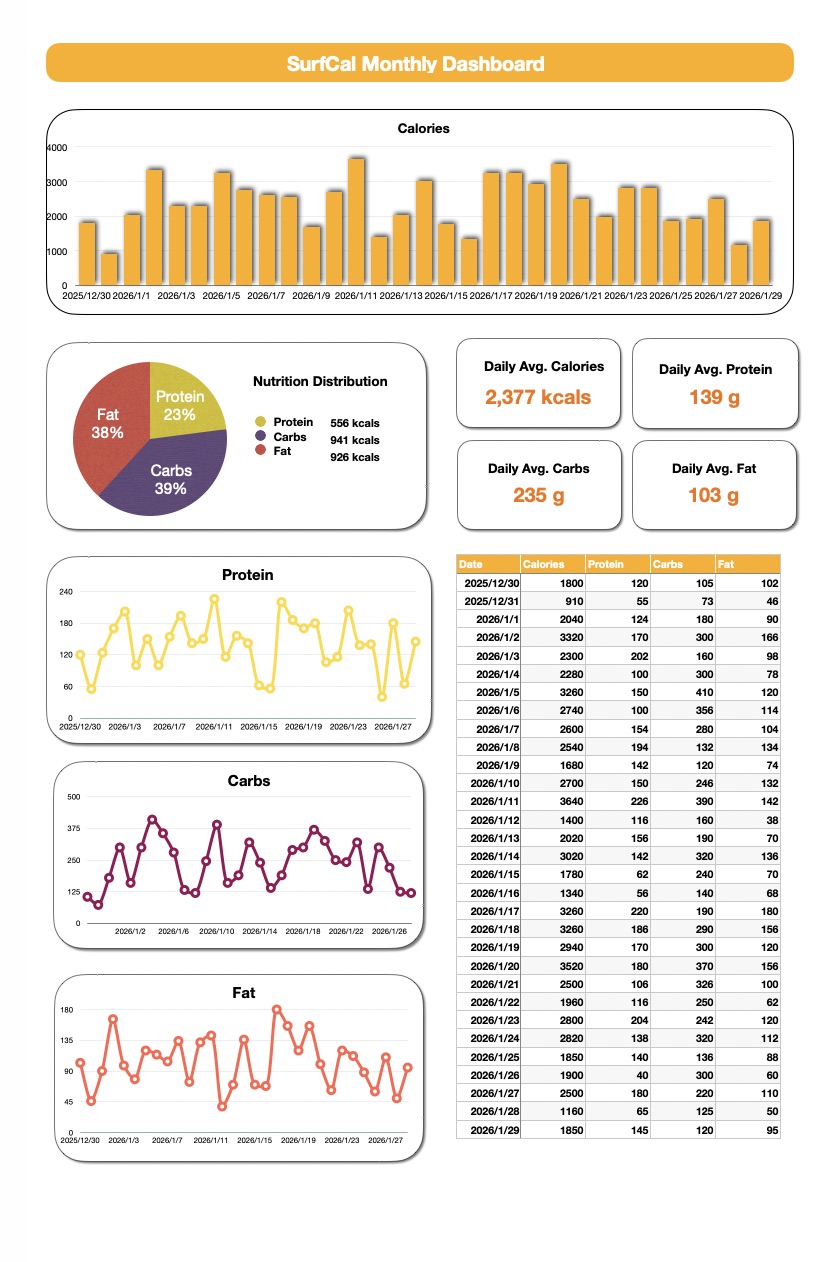
Apple Numbers
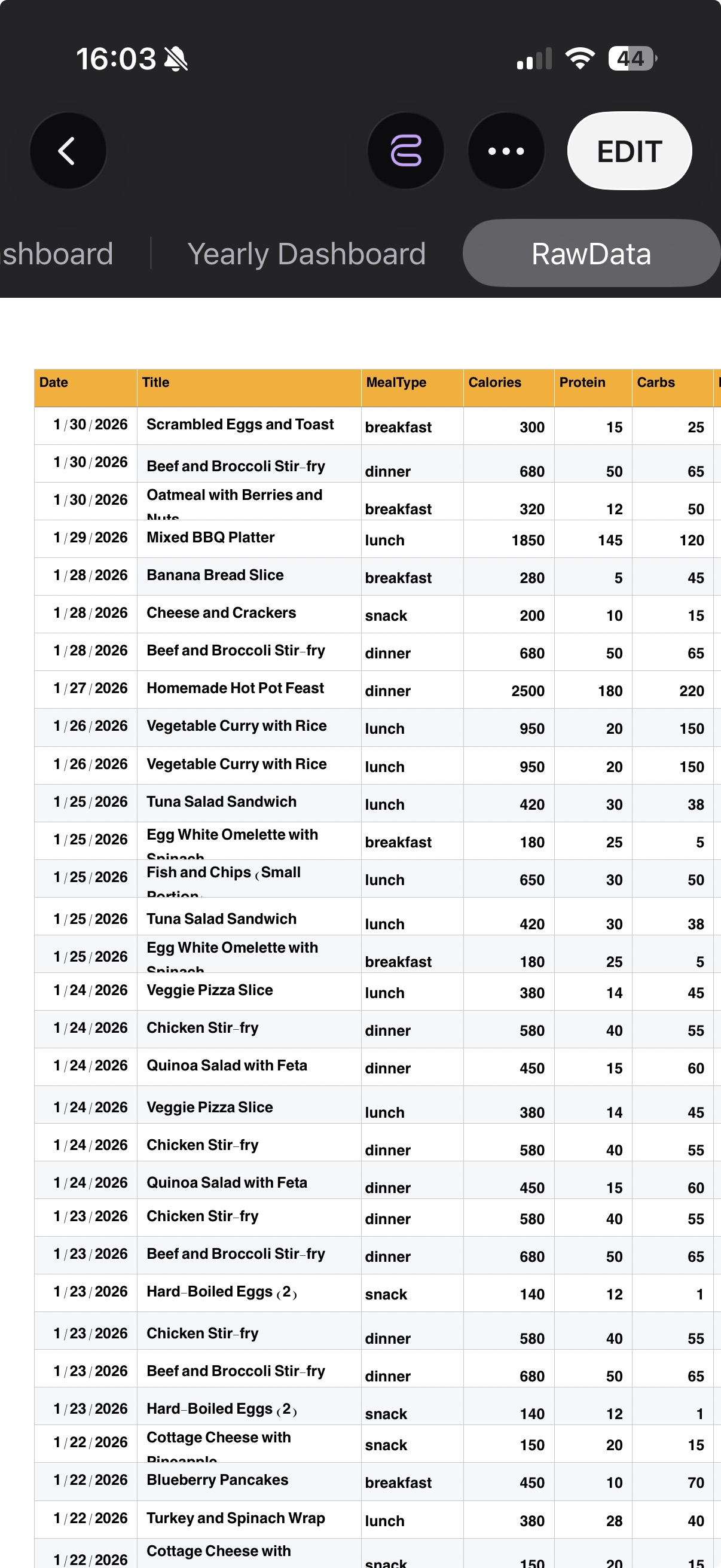
Apple Numbers
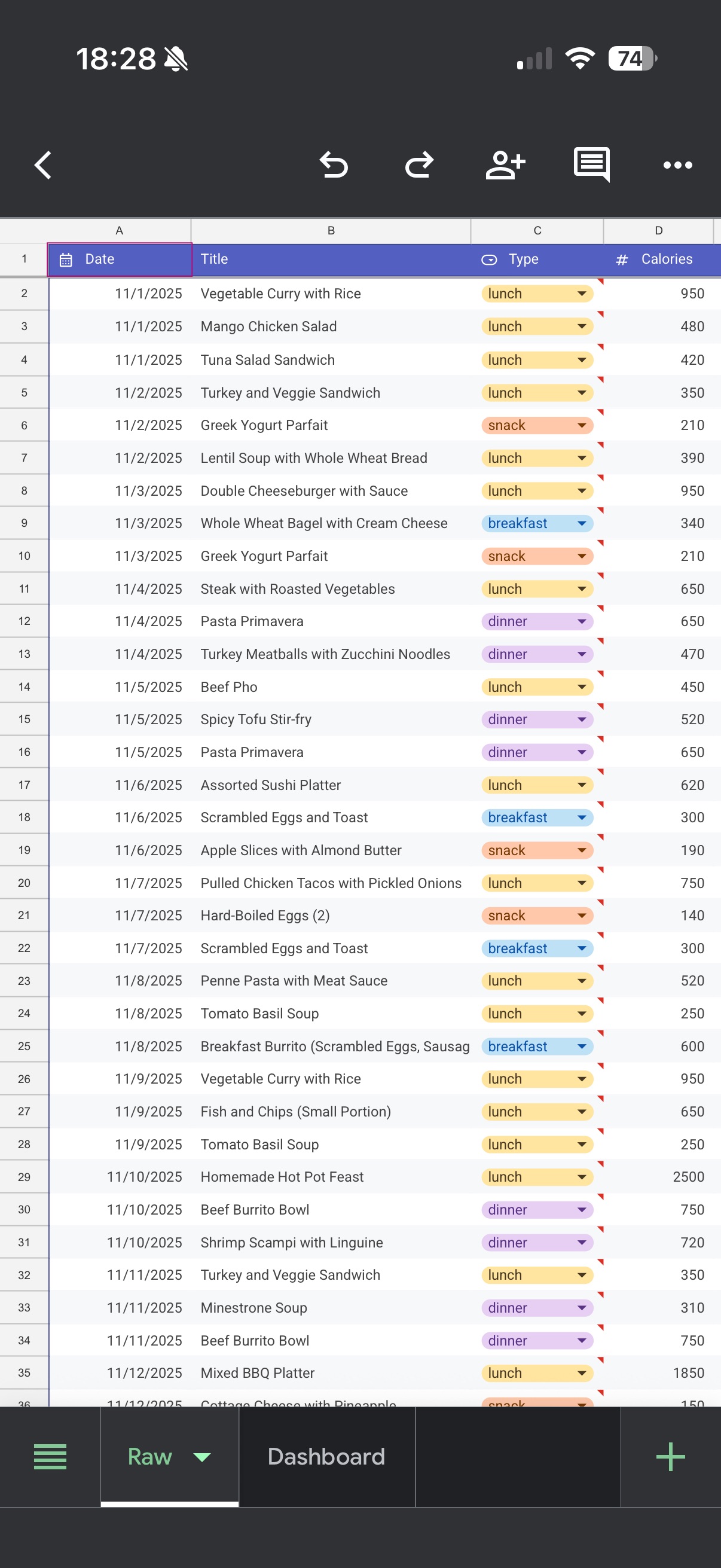
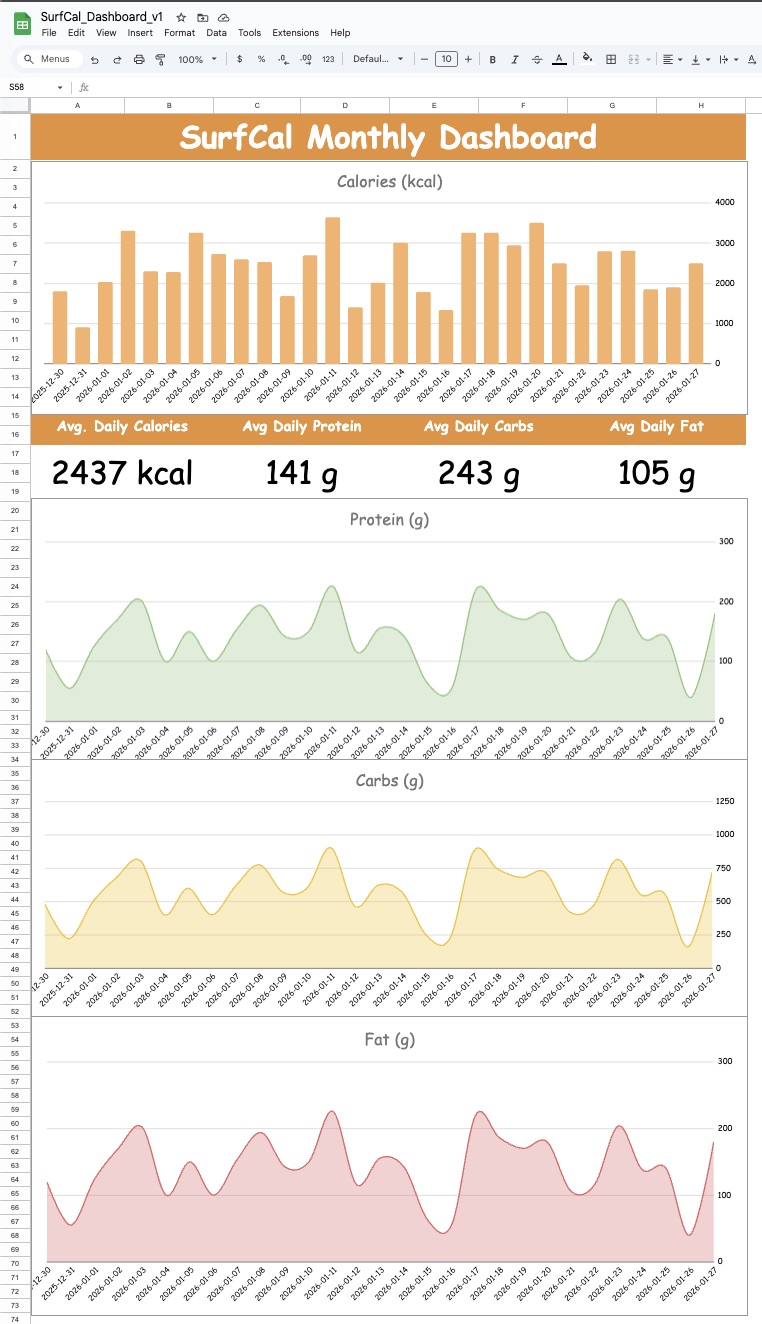
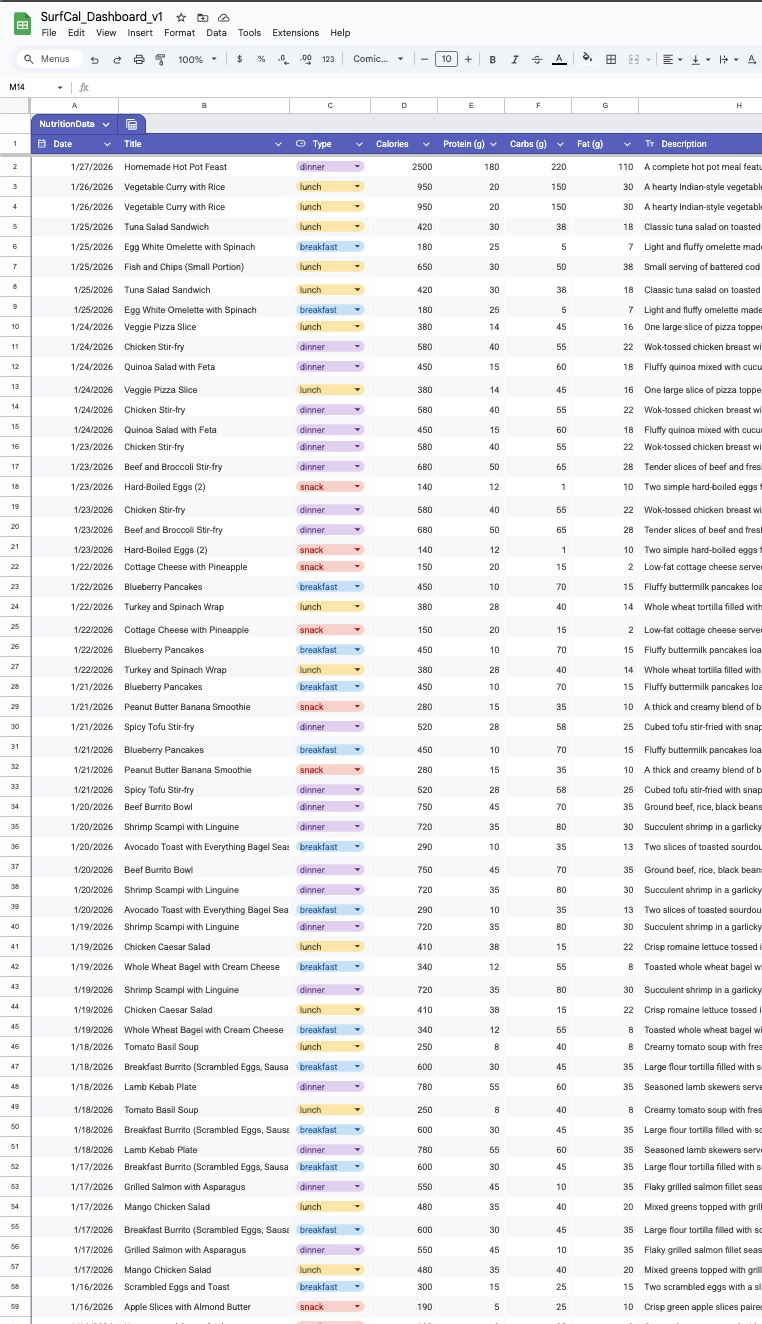
Google Sheets
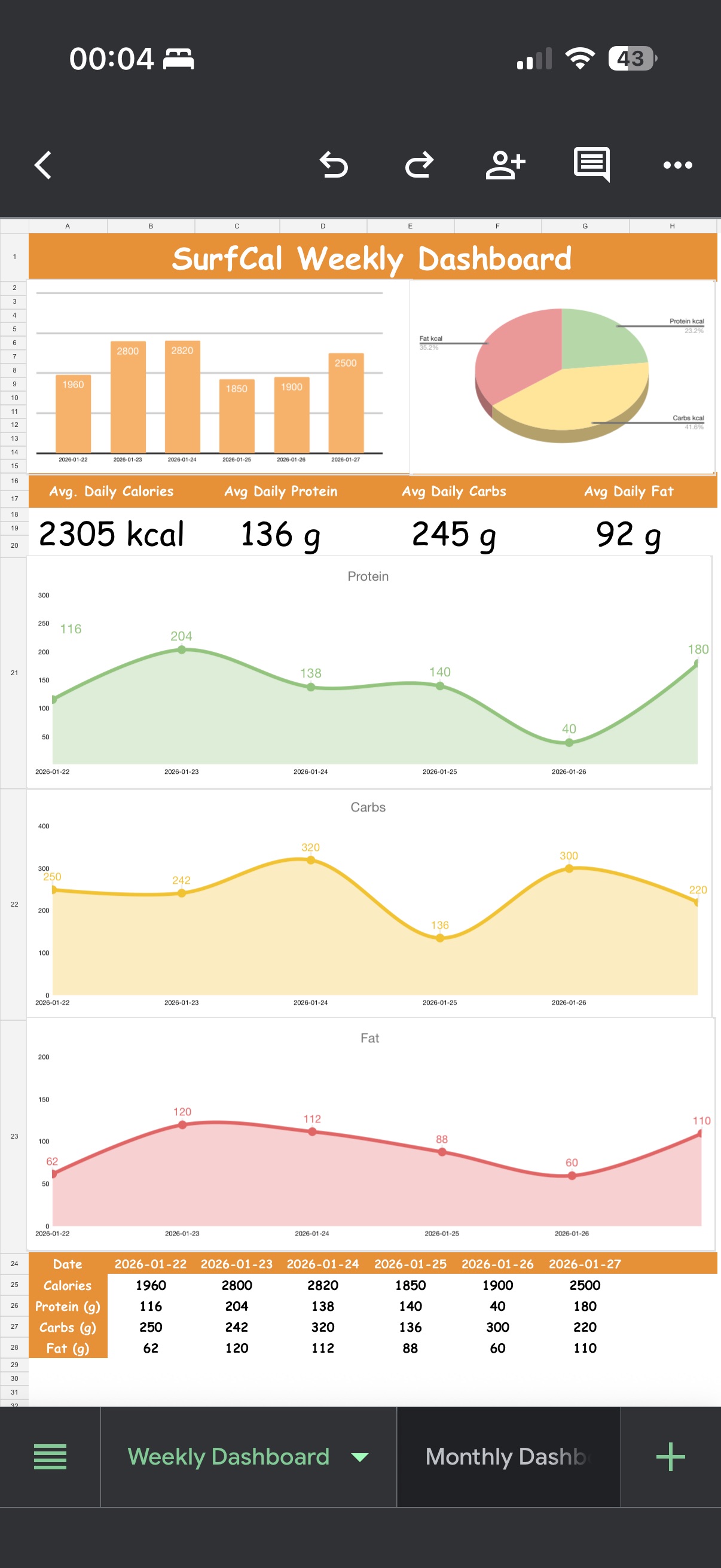
Google Sheets Template
Sync to Apple Numbers
PLUS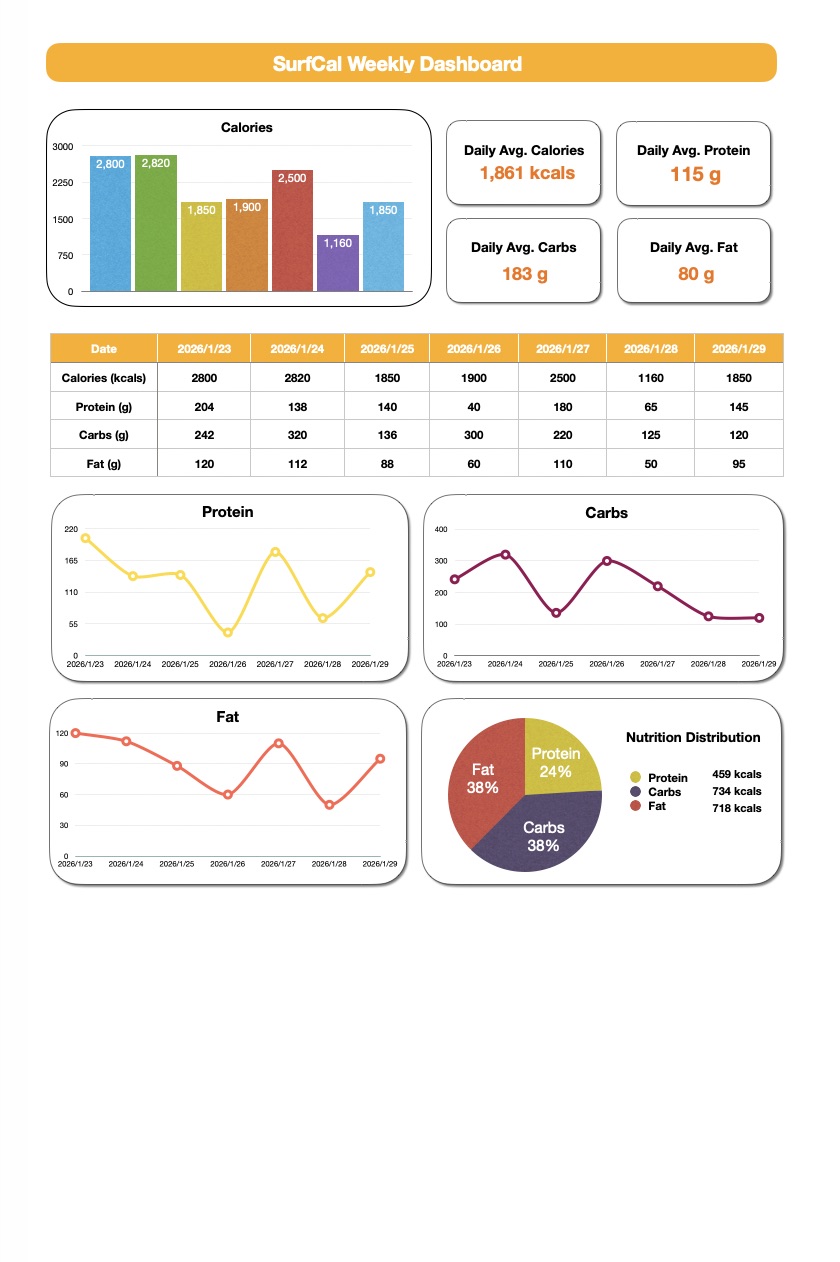
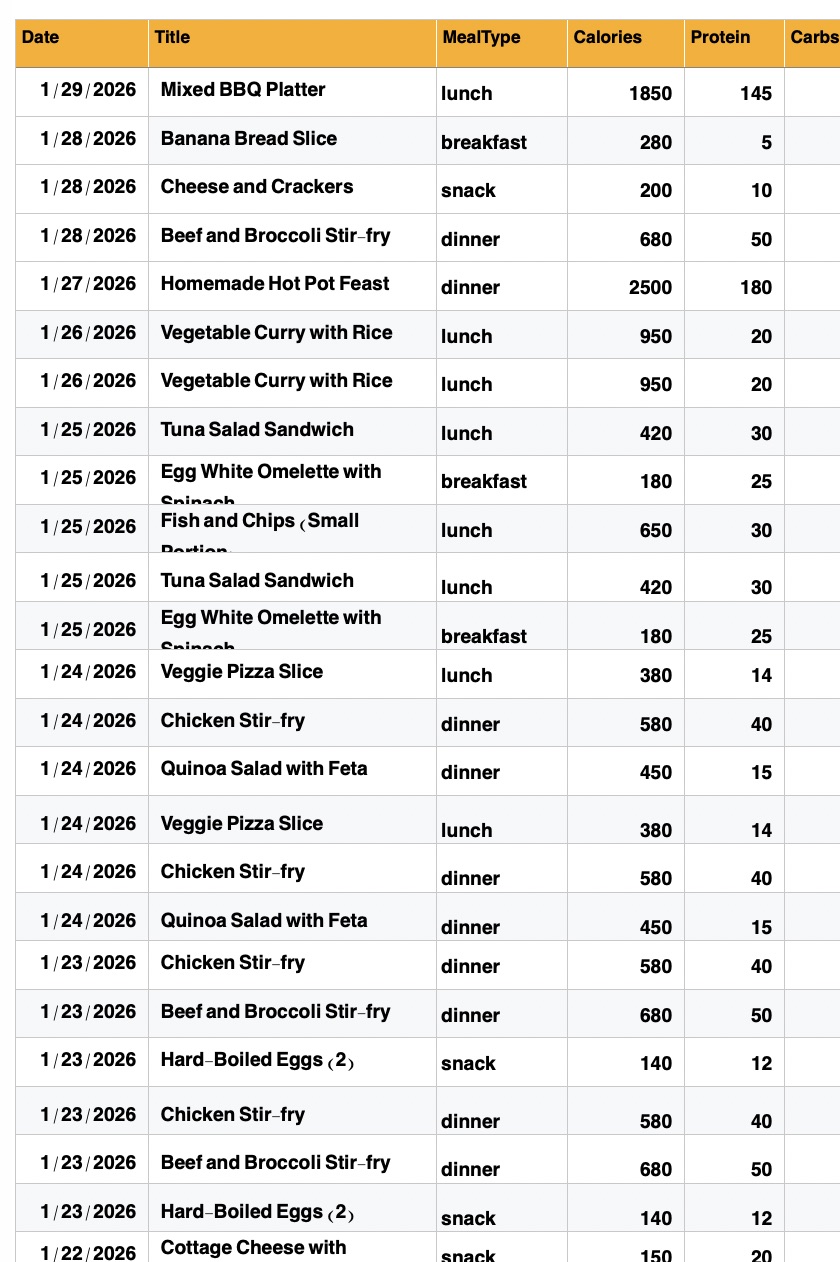
Sync to Google Sheets
PRO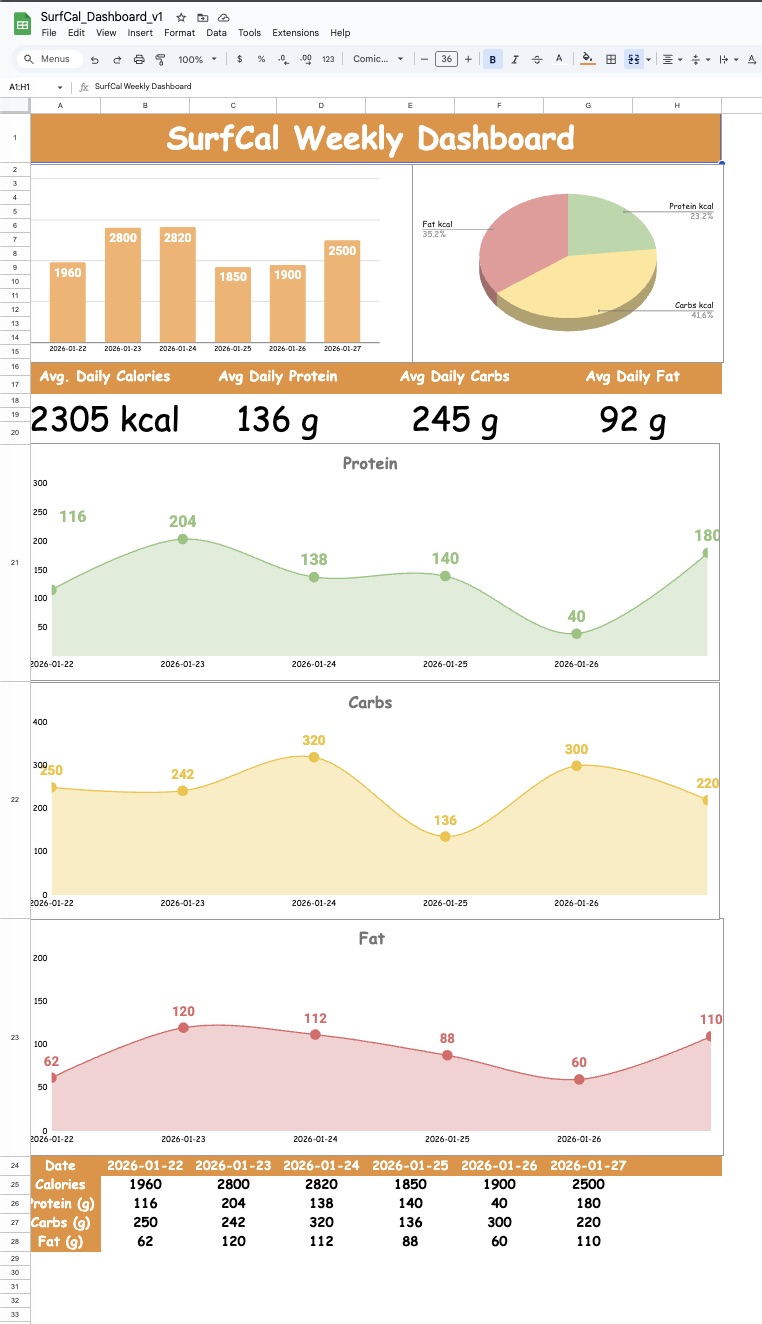
Pricing
Pay once. No subscription.
Frequently asked questions
- Apple Shortcuts is a powerful automation app built into iOS, iPadOS, and macOS. It lets you automate tasks and create custom workflows that save time and boost productivity. Our shortcuts are pre-built, ready-to-use automations that you can download and install instantly.
- Simply tap the "Download" button on any shortcut page. Your iPhone or Mac will prompt you to add the shortcut to your Shortcuts app. Tap "Add Shortcut" and you're done! You may need to grant some permissions the first time you run it.
- Absolutely! All our shortcuts are hand-crafted and carefully tested. We never include malicious code or request unnecessary permissions. You can review what each shortcut does before adding it, and iOS will always ask for your permission before accessing your data.
- Our shortcuts work on iPhone, iPad, Mac, and Apple Watch running the latest iOS/macOS versions. Each shortcut page lists specific compatibility requirements. Most shortcuts require iOS 26.0 or later.
- Definitely! Once you've installed a shortcut, you can open it in the Shortcuts app and edit it to fit your needs. Change the actions, add your own steps, or tweak the settings - make it truly yours!
- Due to the digital nature of our product (Apple Shortcuts and Spreadsheet Templates), all sales are final. Once you have gained access to the files or received the license key, we cannot offer a refund. We encourage you to review the product features and requirements carefully before making a purchase.
- Since our products are delivered as open-logic code (Apple Shortcuts) and fully accessible templates, it is impossible to "return" the product. Therefore, we do not offer refunds. If you encounter any technical issues, please contact our support, and we'll be happy to help you get system-ready.
- By completing your purchase, you agree that you are purchasing a digital asset for immediate download. You acknowledge that this purchase is non-refundable and non-exchangeable. SurfShortcut provides digital tools that are consumed at the point of delivery.